
School management software for private colleges

Typed once. Kept to graduation. Type a student's name and watch Cohort carry it from the application to the class list, gradebook, fee statement and transcript.

For schools of about 100 to 5,000 students, in English and Arabic.

Stays in this browser. Nothing is sent.

ApplicationAdmitted
MHMariam Haddad
ProgramDiploma in Health Sciences
Documents3 of 3
Class listBiology 101
OSOmar Saeed
MHMariam Haddad
LNLayla Nassar
GradebookBiology 101
Mariam HaddadGrade 94.00A
Fee statementFall 2026
Mariam Haddad
Charges10,050.00
Total balance0.00
TranscriptHarbor Institute
Mariam HaddadDiploma in Health Sciences
Biology 101A
General ChemistryB+
Signed by the registrar

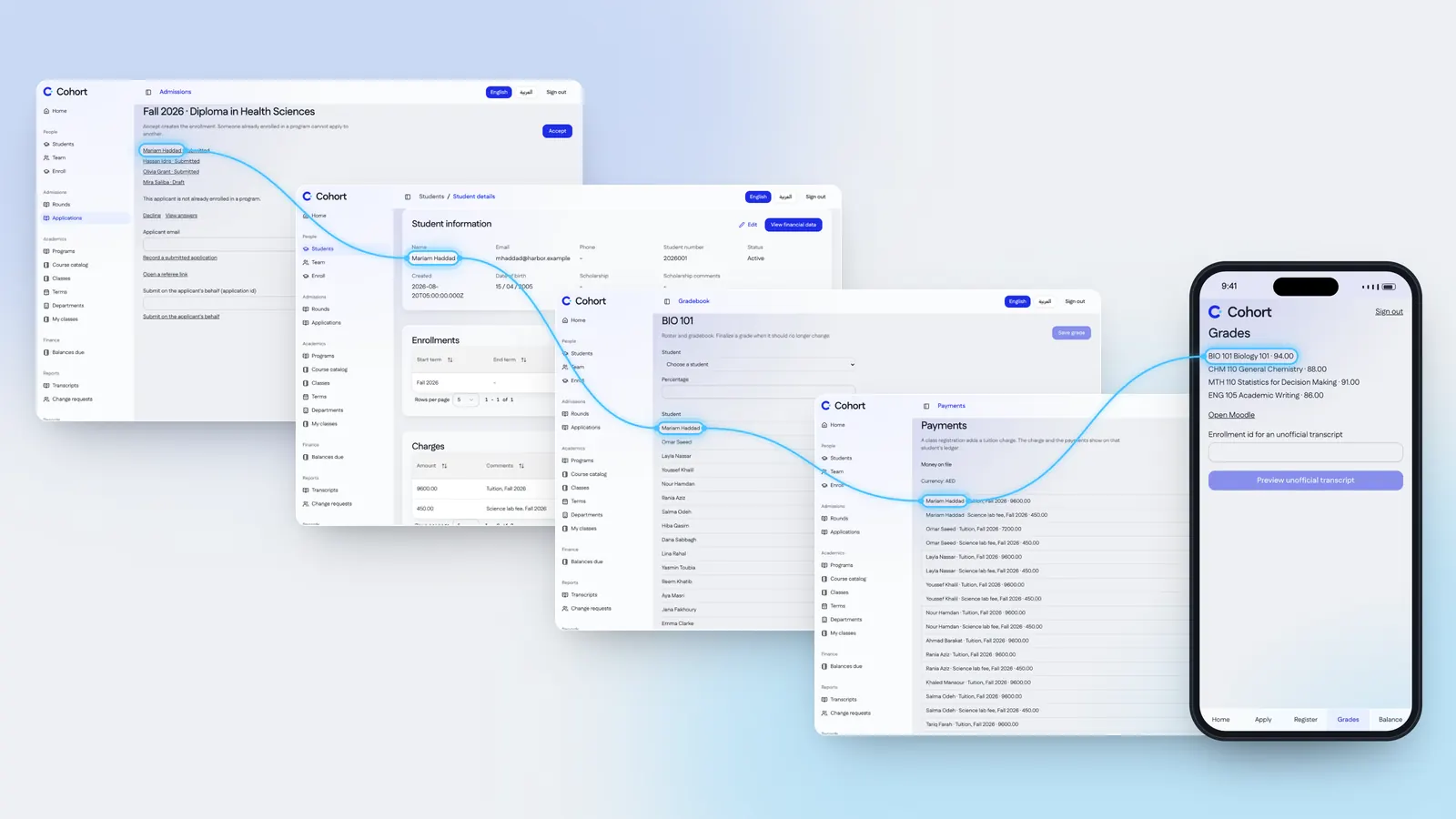
One student, typed once, on every Cohort screen

Real screens from the example school: her application, record, class, payments and the student portal.

Five real Cohort screens for the example student Mariam Haddad, from her application to the student portal on a phone, her name joined by one sky line

01 Applications on the school's own form

Applicants answer the school's own questions and upload the documents it requires. Intakes open and close on the dates the school sets.

  • Referees answer on a form of their own
  • Applicants import from a spreadsheet, with undo
  • A declined program choice keeps its reason
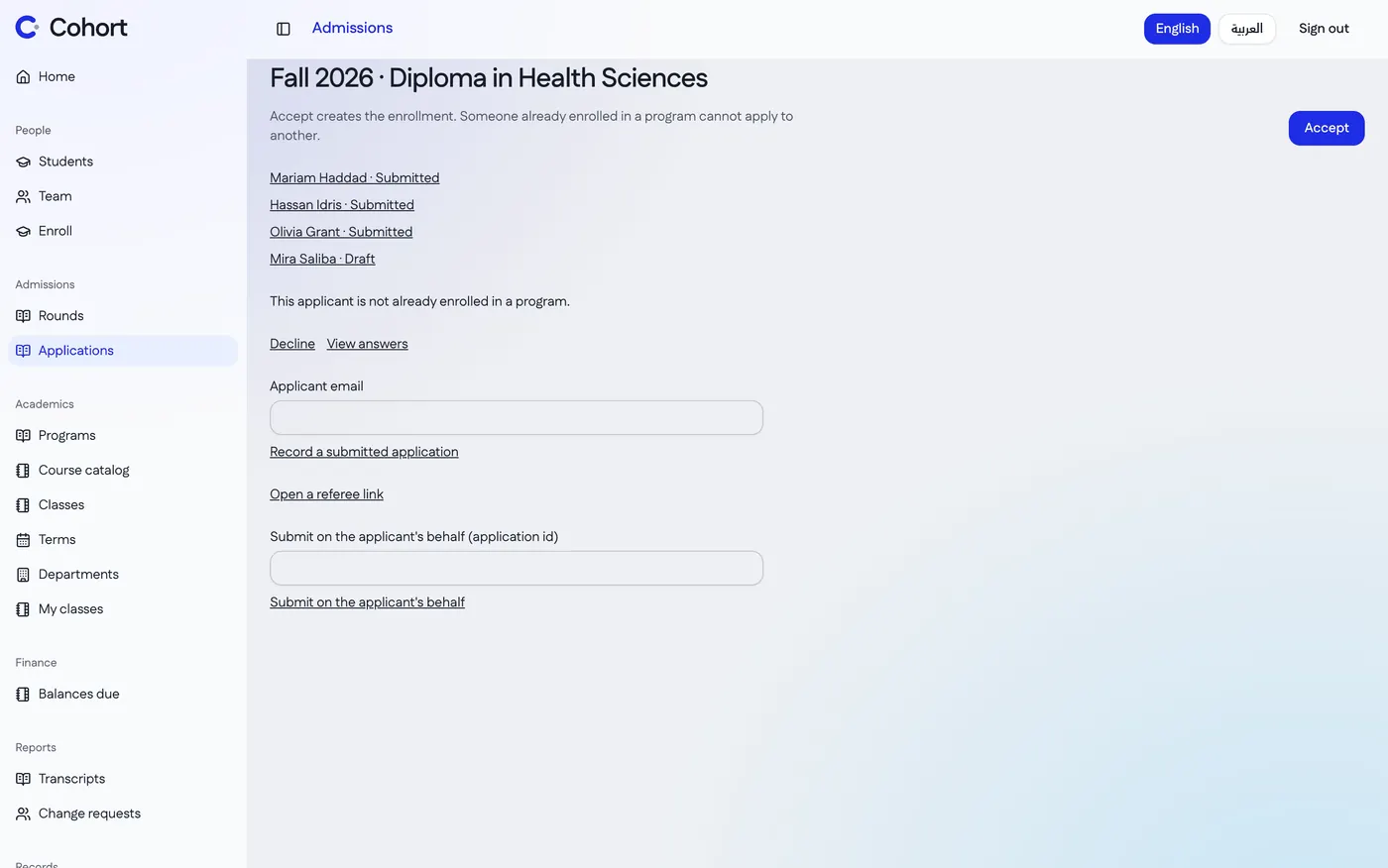
Cohort's admissions screen for the Fall 2026 Diploma in Health Sciences, with Mariam Haddad's submitted application first

02 Enrollment on one school record. Each role sees its part.

The application becomes the student's record. Enrollment, classes, holds and history attach to it, and a hold pauses registration until it is cleared.

See a student's year

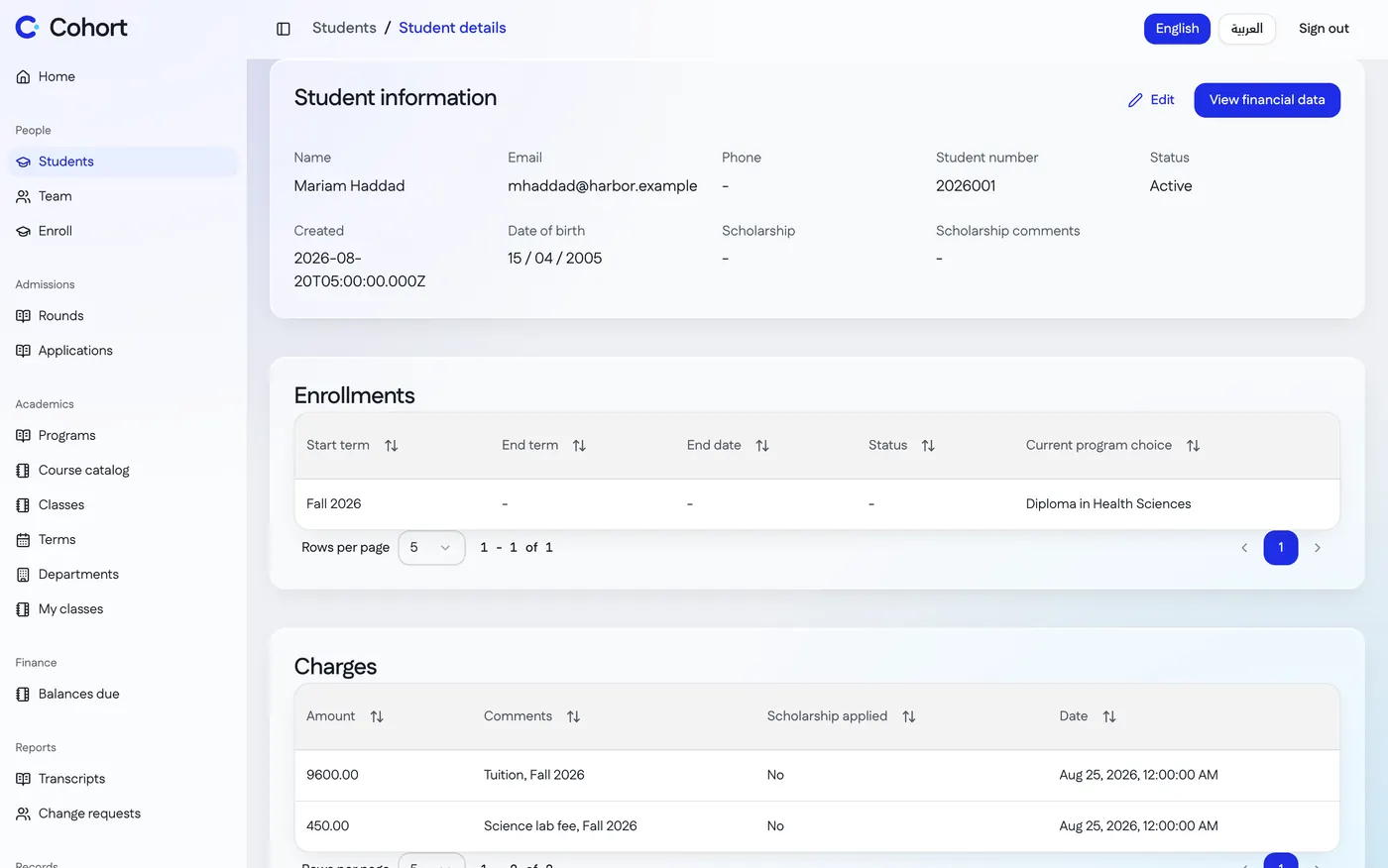
Mariam Haddad's student record in Cohort: her details, student number 2026001, her enrollment in the Diploma in Health Sciences and her charges

The school year, on the same record

  1. 03 Classes and the timetable

    Programs, courses and class offerings run by semester, with the timetable, periods and locations. Each teacher sees their own classes.

    A teacher standing with a seminar group in a classroom
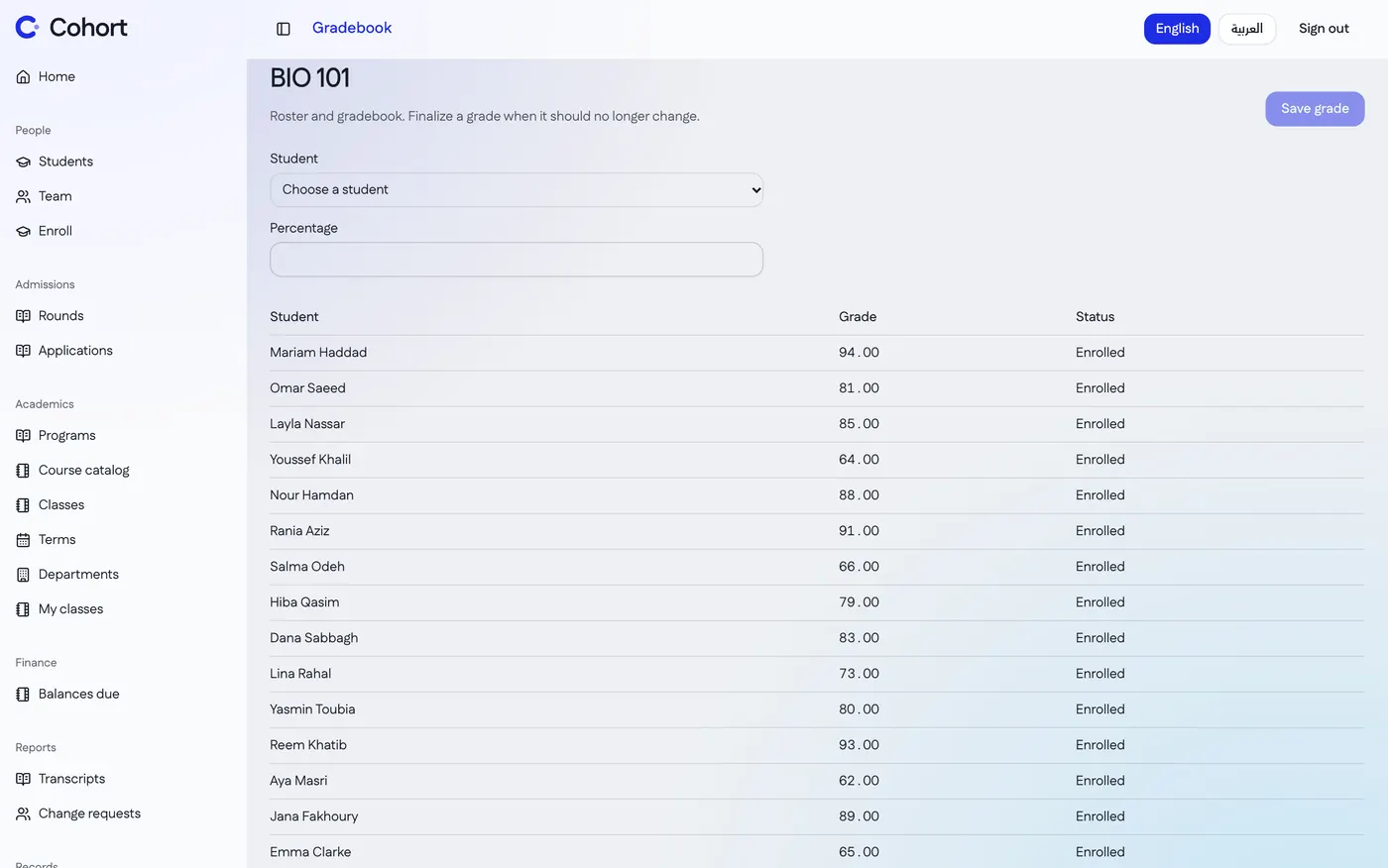
  2. 04 Grades in each class's gradebook

    Only a class's own teachers grade it, on a letter scale or pass/fail with the school's pass mark. The class locks when grading closes.

    The Biology 101 roster and gradebook in Cohort, with Mariam Haddad's grade first
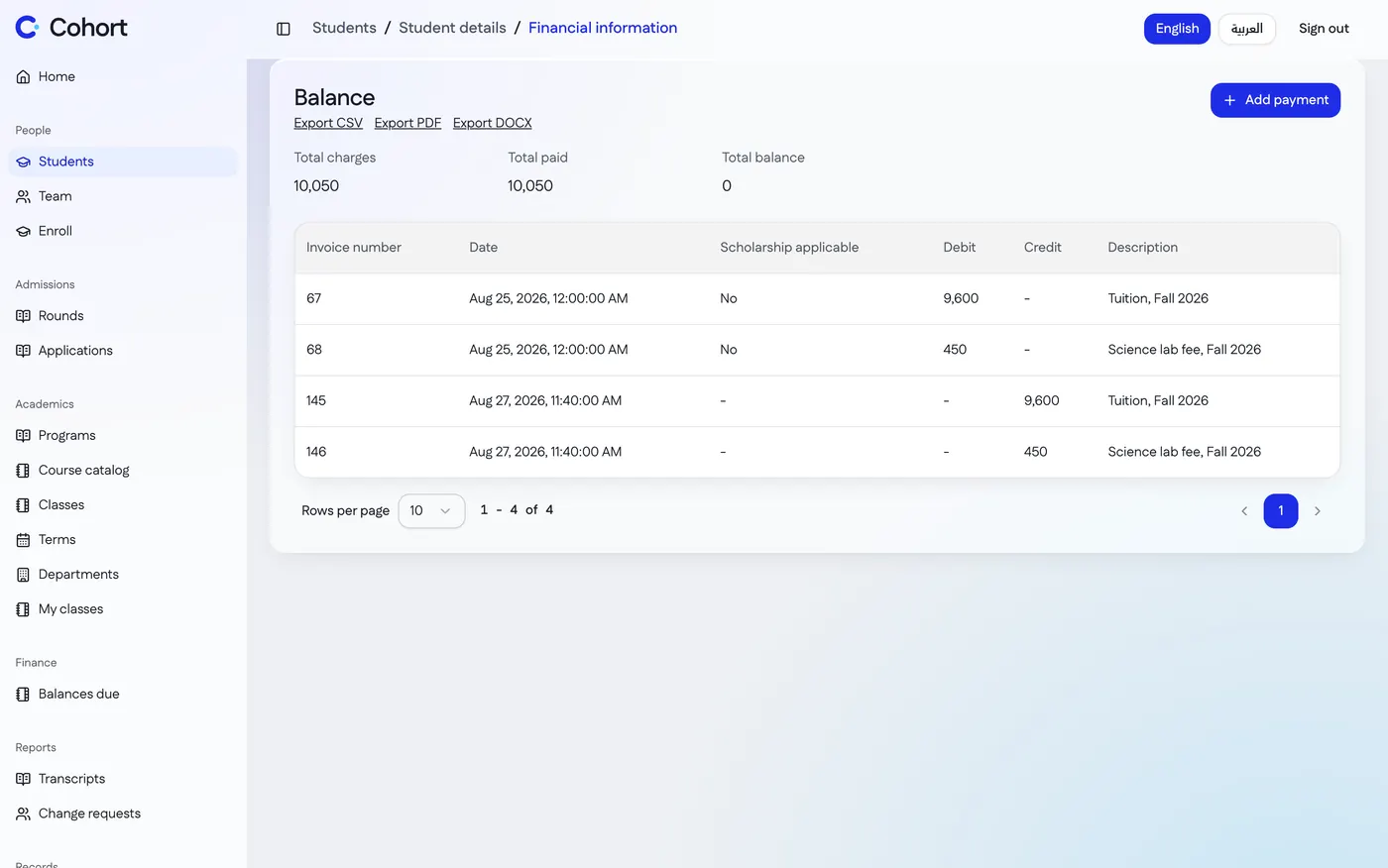
  3. 05 Fees in the school's own currency

    Charges, payments and balances are kept per student, with scholarships against the balance. Finances export for the accountant.

    Mariam Haddad's balance in Cohort: her charges, payments and a total balance of zero, with exports to CSV, PDF and Word

06 A transcript for graduation day

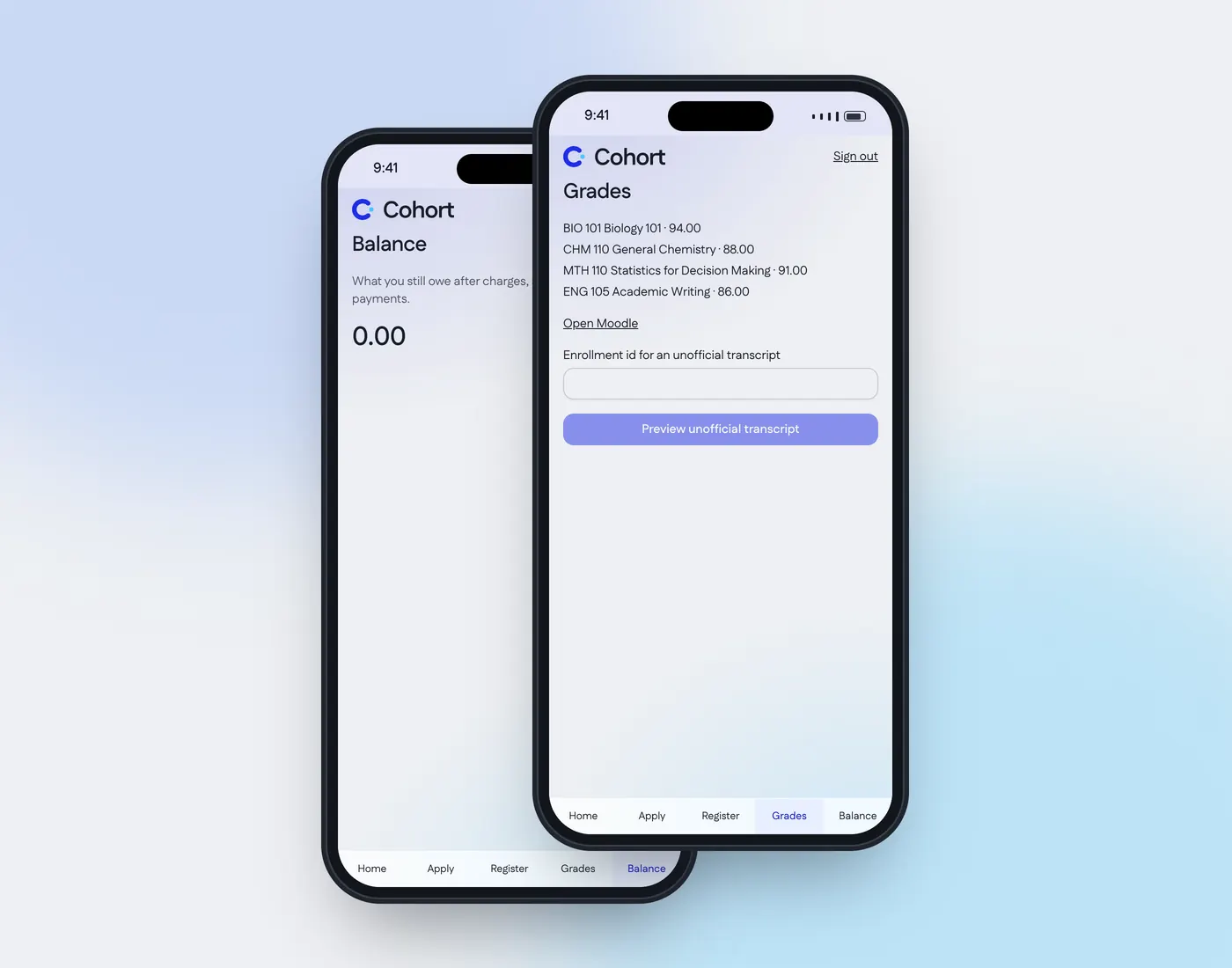
Transcripts carry the school's signatories and are ready to download. Until then, students see their grades and balance and register for classes in the student portal.

  • Exports to CSV, PDF and Word
  • An applicant portal for applications
  • A dismissed student keeps read-only access
The Cohort student portal on two phones: Mariam Haddad's balance and her grades, with a button to preview an unofficial transcript

Set up your school in 3 steps

Guided setup takes an afternoon, and a trial school can go live with all its data.

  1. 1
    Name your terms and grades

    Setup asks for terms, grading scale, currency and time zone, one step at a time.

  2. 2
    Bring school records from spreadsheets

    Staff, students and applicants come in from CSV files, and an applicant import can be undone.

  3. 3
    Invite the school's staff

    Each person gets an invitation and sets their own password and authenticator.

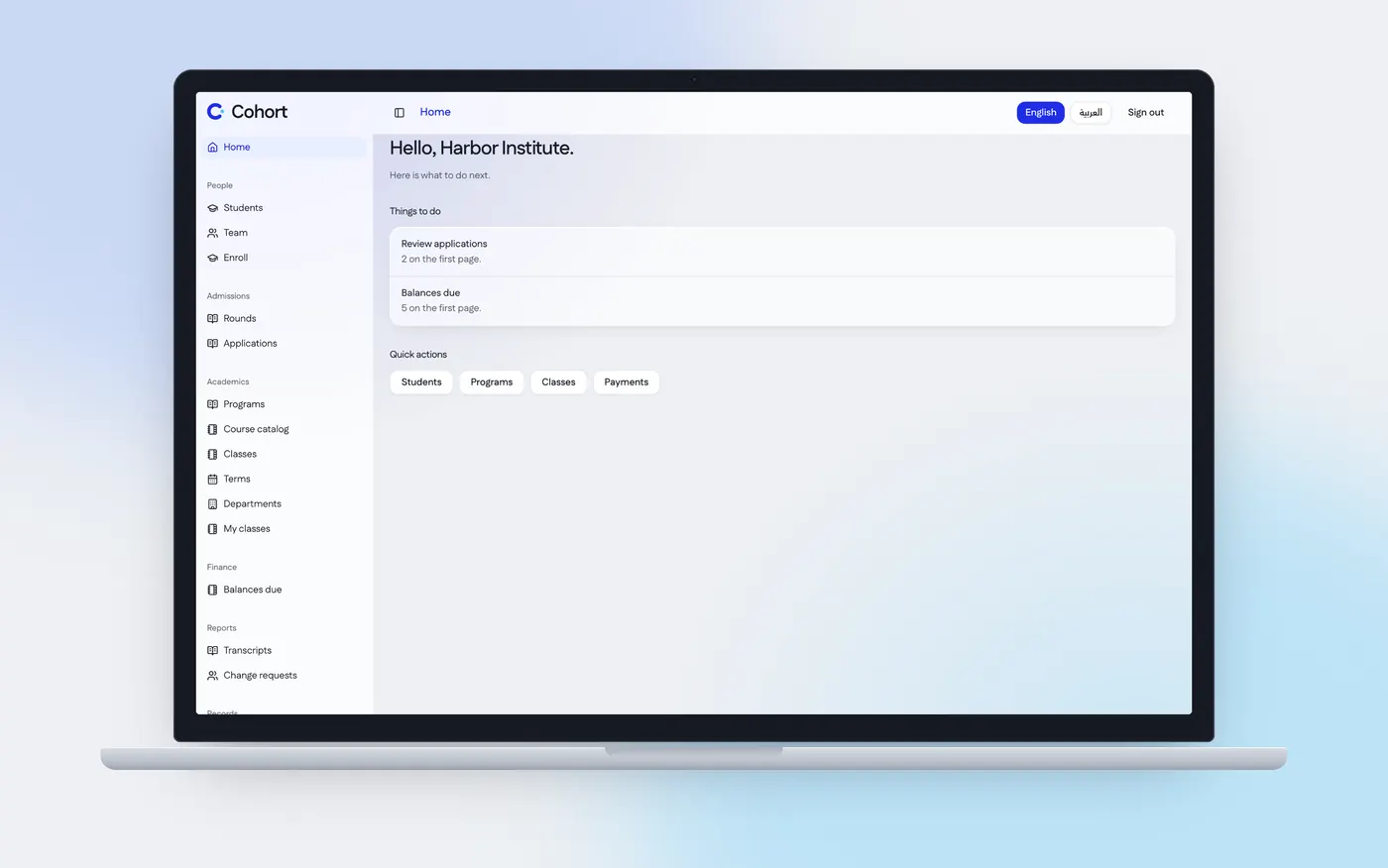
Cohort's home screen for Harbor Institute on a laptop: applications to review, balances due and quick actions

Two directions, one school

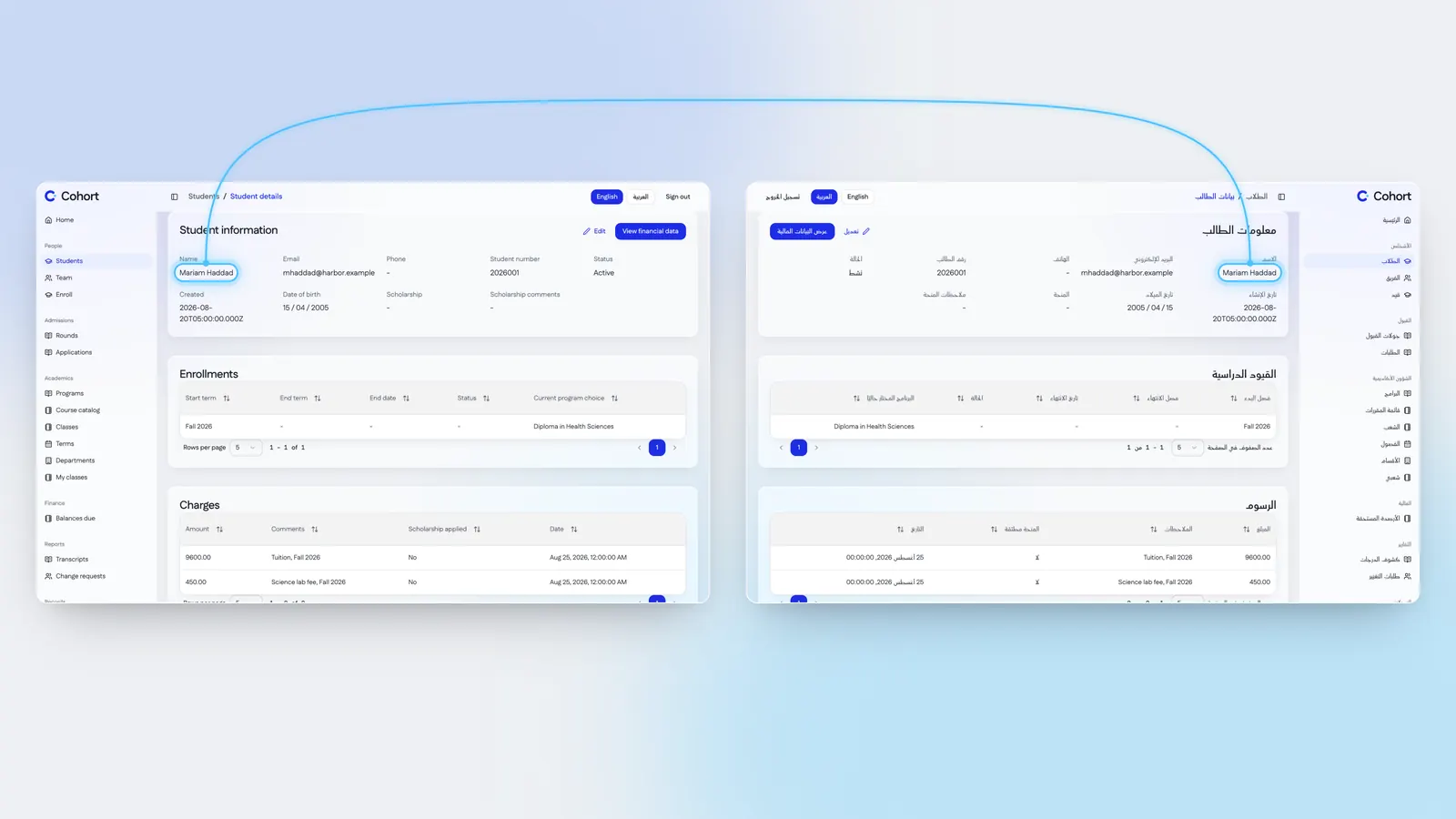
Every screen, email and document exists in English and Arabic. Each person picks the language they read.

كل شاشة ورسالة بريد ومستند متاح بالعربية والإنجليزية. ويختار كل شخص اللغة التي يقرأ بها.

Mariam Haddad's student record in English and in Arabic side by side, the Arabic laid out right to left, her name joined across both by one sky line

School data in from CSV, out as PDF and Word

Staff, students and applicants come in from spreadsheets. Grades, enrollments, scholarships and finances go out as CSV, PDF or Word.

  • Transcripts with your signatories
  • Finance exports for your accountant
  • Admission requirements as a document

Security an auditor will recognise. Risky steps are confirmed and logged.

Keeps each school in its own database

Each school has a separate database and web address, and sends email from its own domain.

Signs school staff in with a second factor

Staff enter a password and an authenticator code. An owner who loses theirs has a recovery process.

Asks staff to confirm before risky school changes

Keeping trial data or changing the owner asks the person to confirm it's them first.

Logs every security event

Sign-ins, status changes and permission changes are logged. A suspended account is cut off on its next request.

Questions

About pricing, the trial, your data and languages.

Request pricing

How much does Cohort cost?

Pricing is on request. We reply with a written quote, and once you accept it an invoice follows, payable by purchase order or bank transfer.

Does the Cohort trial need a card?

No. It asks for a work email, the school's name and a web address. You choose your password from the link we email you.

Can we bring school records from spreadsheets?

Yes. Staff, students and applicants import from CSV files, and an applicant import can be undone.

Who can see a student's grades in Cohort?

Only people whose role allows it. A class's gradebook is open to that class's teachers, and roles are built from permissions the school sets.

Can our trial school keep its data?

Yes. A trial school can go live with all its data. Keeping it asks the owner to confirm it's them.

A free trial school, with no card

Three steps, and nothing to pay. A trial school can go live with all its data.

  1. 1Enter a work email, the school's name and a web address.
  2. 2Open the link we email you and choose your password.
  3. 3Setup opens on your school's own address.

We email you a link. You choose your password when you open it.

Your school's address name.cohort.io

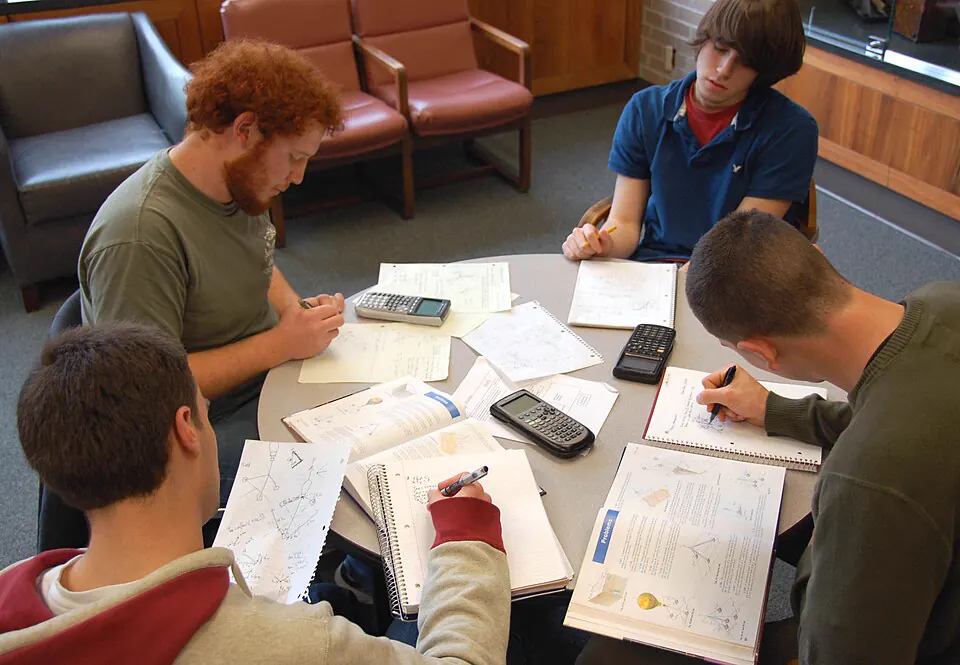
Four students working through papers at a round table